

SXAccess in five words
The five words every guide uses, in plain language, with nothing about networking in them.
Five words are enough to set up SXAccess. None of them need you to know what a subnet is.
Here is the whole idea in one sentence: an access rule lets one group of devices reach another group, or a single resource, and nothing else gets through. The rest is vocabulary for the parts of that sentence.
How they fit together
The five words
Read the middle column. The right-hand one is only there for when you meet the word in the dashboard and want to be sure it is the same thing.
| Word | What it actually means | Where you meet it |
|---|---|---|
| Device | A machine that has joined your organization - a laptop, a phone, a server. It joined because someone installed the SXAccess app and signed in, or because a server was given a key. A device can also be what a rule lets others reach. | Devices in the dashboard |
| Group | A label you stick on things so you can talk about several at once. engineering is a group of people's laptops; databases is a group of servers. A machine gets its groups from the enrollment key it joins with; a person's devices get the groups set on the member, under Auto-assigned groups. Every device is also in the built-in group All, which you cannot edit or delete. | People, then Groups |
| Resource | Something you want reached that cannot run SXAccess itself - a printer, a database, a whole subnet. It always sits in a network, and one device there, the routing device, carries the traffic to it. It becomes reachable once its network has a routing device and an access rule names it. | Networks, then Internal networks, inside a network |
| Access rule | A sentence that grants one thing: this group may reach that group, or that one resource, over this protocol, on these ports. A rule you open from a resource has that resource as its destination. If no rule says it, it does not happen. | Access, then Access rules |
| Enrollment key | A password you give a machine instead of a person, so a server with no screen can join by itself. | Access, then Enrollment keys |
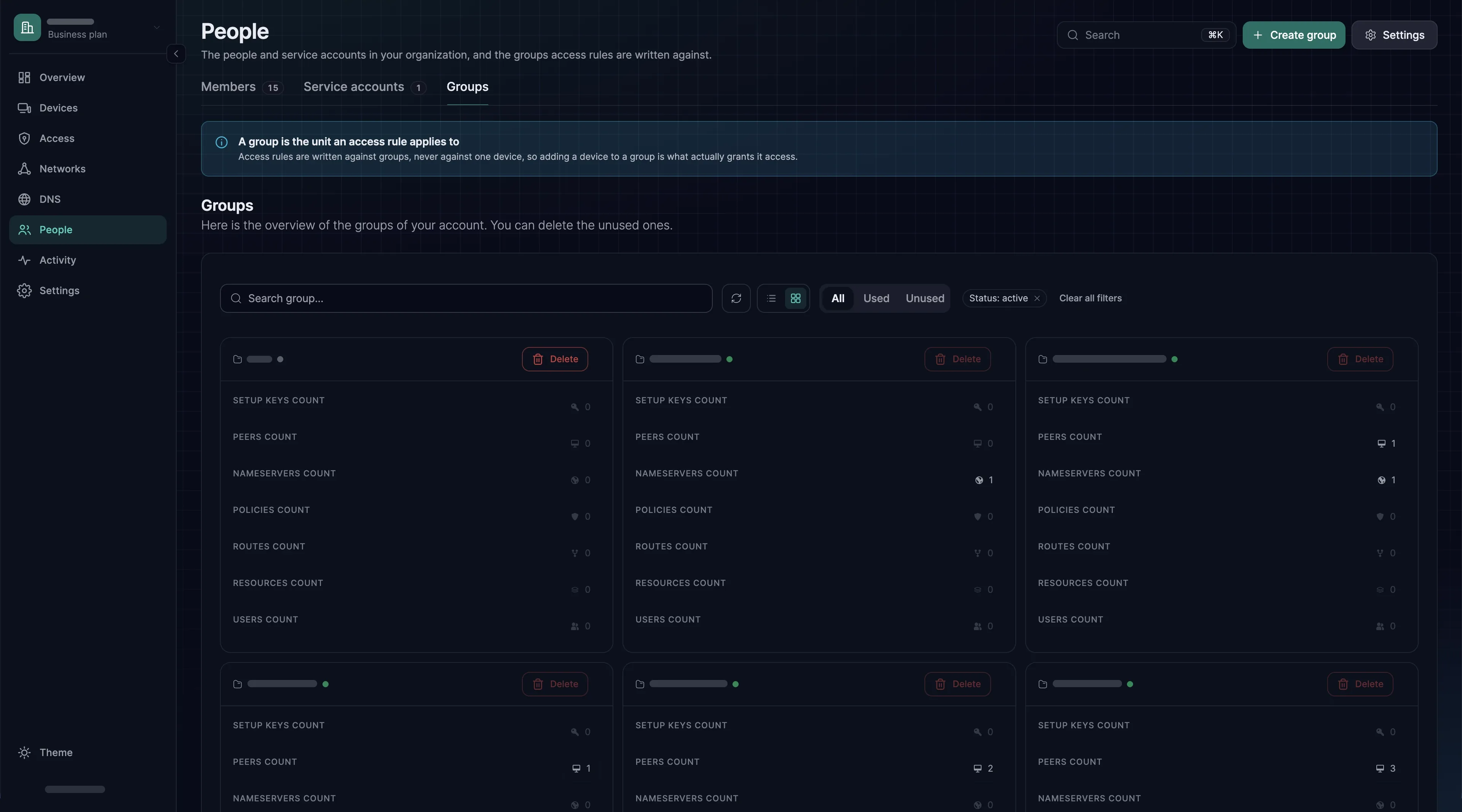
Why a rule cannot just name one laptop
A rule against one laptop has to be rewritten when that person gets a new laptop, when a second person joins, and when someone leaves. A rule against engineering survives all three.
So most of the work is deciding what the groups are. Get them right and the rules almost write themselves.
A rule of thumb that holds up: one group for who, one group for what. A rule that reads "Engineering reaches the staging database" is a good one. One that reads "Everyone reaches everything" is the thing you are replacing.
Words for later
These appear in the dashboard and at the end of each guide. The first two come with your first resource; the rest can wait until a guide sends you.
Six more words
The right-hand column says when each one starts to matter.
| Word | The short version | When it starts to matter |
|---|---|---|
| Network | A named place - an office, a VPC - holding the resources inside it and the routing device that reaches them. The dashboard sets it up in this order: network, resource, access rule, routing device. | With your first resource |
| Routing device | One machine in a location that carries traffic on behalf of everything else there, so you do not have to install the agent on a printer. Until a network has one, nothing inside it is reachable. Run two for redundancy: a Device group, or a second device with its own Metric. | With your first resource |
| Subnet and CIDR | A way of writing a range of addresses, like 10.20.0.0/24. You meet it when you publish a whole range instead of one machine. | Only if you route a range |
| Masquerade | Makes traffic arrive wearing the routing device's address, so the machines behind it need no configuration. On by default, and you usually leave it alone. | Only if something behind a site cannot answer |
| Device requirement | A condition a machine must satisfy before a rule applies to it - a minimum OS version, an allowed country. | When you want access to depend on the laptop's state |
| Internet gateway | Sends a device's whole internet traffic out through a machine you control, rather than its local connection. The macOS and Windows apps do not use one yet. | When you need traffic to leave from a particular place |