

Service accounts and tokens
Non-human identities for automation, with their own access tokens and their own role.
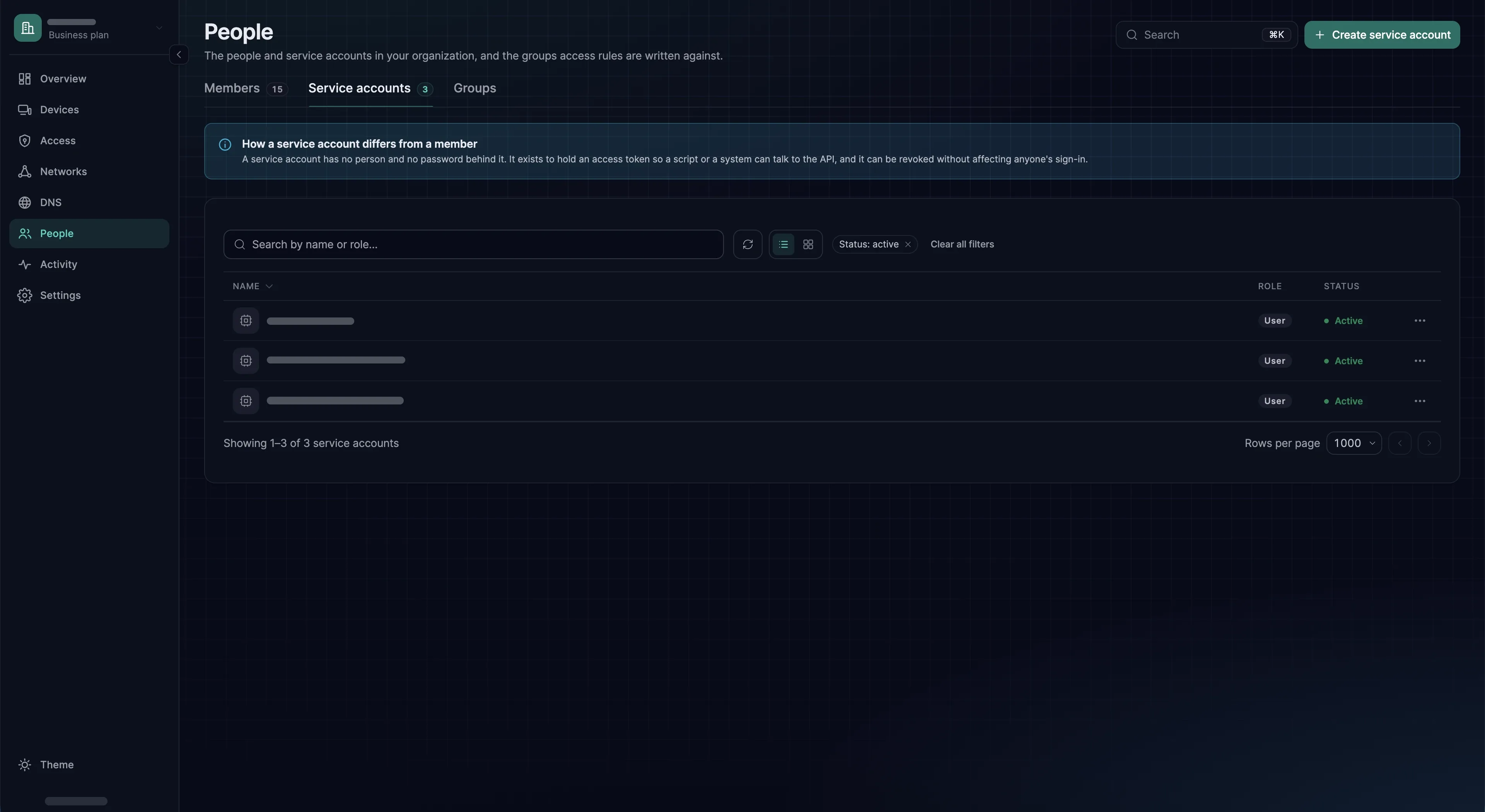
A service account is a member that no person signs in as. It has a name, a role, and one or more access tokens. CI pipelines, provisioning scripts, Terraform and monitoring authenticate to the public API with one.
The reason to use one rather than a token on your own account is ordinary operational hygiene: automation keeps working when you leave, and Activity names the pipeline instead of a person.
Creating one
- 1
Add the service account
Under People → Service accounts, choose Create service account and name it after the system that will use it:
terraform,ci-provisioner. - 2
Give it the narrowest role
Role starts at User, which can change nothing. Choose Auditor if it only reads, Network Admin if it manages access rules, groups, routes, networks and DNS, and Admin if it has to touch devices, enrollment keys or members. A service account can read everything in its organization whatever role it holds; the role decides only what it may change. See Roles and permissions.
- 3
Create a token
Open the account, go to Tokens and choose Create token. Give the token a Name that says who uses it and set Expires in: 1 to 365 days, 30 by default. The token is shown once, right after you create it, so copy it then. Only owners and admins can create tokens for a service account.
- 4
Store it
Put it straight into your secret manager or CI secret store. Never into a repository, a Terraform variable file, or a shell profile. The example below reads it from the variable
SXACCESS_TOKEN, which your pipeline fills from that store.
curl -sS https://app.sxaccess.com/api/devices \ -H "Authorization: Token $SXACCESS_TOKEN" | jq '.[].name'What a token can do
A token acts as the account that owns it, with that account's role, and only in the organization it was created in; the X-Organization-Id header does not move it to another one. A token never passes through sign-in, so the organization's sign-in rules, two-factor included, do not apply to it. Requests are described on Public API, and how failures are reported under Errors.
Rotating a token
Tokens carry an expiry, and an expired token fails closed: the automation stops, which is better than a credential that lives forever. Rotate by creating the new token first, updating the consumer, and confirming it works. The Last used column on the Tokens tab shows when each token was last used, so you can watch the old one fall silent before you choose Delete in its row menu. Both tokens are valid during the overlap, so there is no outage.
To retire an account altogether, open it and, on its Profile tab under Remove from this organization, choose Remove service account, then Remove. The account and every token it holds stop working at once.
What shows up in Activity
Every change made with a token is recorded in Activity under the account that owns the token. A pipeline that creates enrollment keys leaves a clear trail; a person's token used by a pipeline leaves a misleading one. Reads are not recorded. Creating and deleting tokens show up as API token created and API token deleted. See Activity log.